Image



Automated and efficient check writing
The Optima - Check Writing System takes the grunt work out of check writing. Aside from using either continuous or corporate continuous checks with vouchers, it also has a built-in Accounts Payable System so you can easily reconcile and monitor your account payables and check payment preparations.

Make your office more efficient by eliminating manual check disbursements. Through the use of the Optima - Check Writing System you can upload or manually encode payables data to the system so all transactions are well-accounted for.

The program ably recognizes JPEG images of scanned signatures so they can printed on checks – sparing signatories from the hassle of signing off dozens of checks. This also lessens the possibility of spoiled checks because of ink smudges or wrong illegible inputs.

Report generation is correct and hassle-free with our check writing facility. The Optima - Check Writing System is a smart system that automatically generates corresponding GL entries based on metrics set by clients to ensure accurate computations.

Easily print out BIR Form 23017 for you or your clients.

Assign or restrict user access to particular system functions for added security.
Operating System: Windows 10/11, Windows Server® 2012, Windows Server® 2012 R2, Windows Server® 2016, Windows Server® 2019
Linux: Ubuntu Server 16.04 LST, Ubuntu Server 18.04 LST, Ubuntu Server 20.04 LST
Processor: Intel® Core™ i3 Processor (3M Cache, 3.40 Ghz) or Higher ISERIES Processor (or any equivalent in other brand)
RAM requirements based on the number of workstations: 1-10 workstations: 8GB, 11-15 workstations: 16GB, 16-20 workstations: 32GB
Minimum Screen Resolution: 1024x768 screen resolution
Disk Space: At least 120GB of disk space (for SQL Server and database allotment only)
Network Card: 100 Mbps network card and 100 Mbps switch or router
Operating System (English Editions Only): Windows 10 or 11 only
Processor: Intel® Core™ i3 Processor (3M Cache, 3.40 Ghz) or Higher ISERIES Processor (or any equivalent in other brand)
RAM: Total of 8GB of RAM or higher
Minimum Screen Resolution: 1024x768 screen resolution
Disk Space: At least 20GB of disk space (for program allotment only)


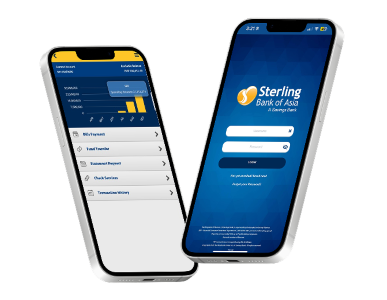
With Sterling Bank Online, you can address your banking needs with ease, anytime, anywhere.
Manage your funds, pay bills and more through seamless and secure online banking right at your fingertips.


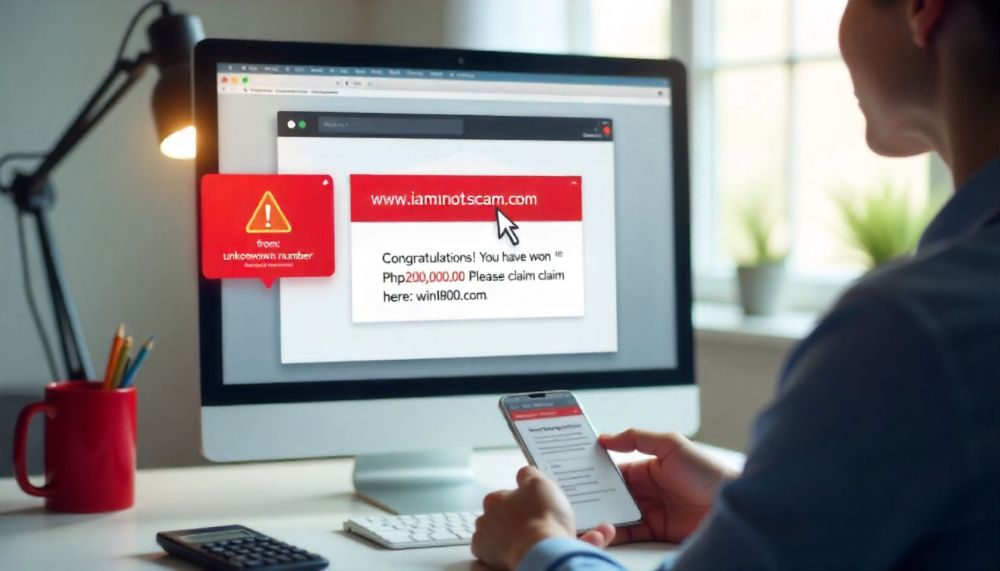

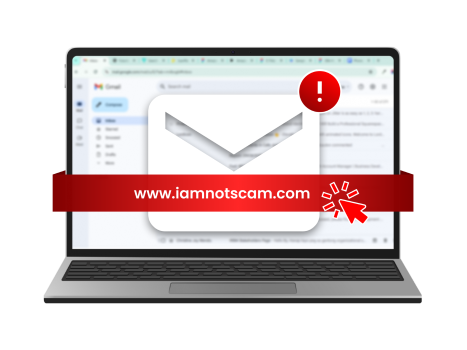
Avoid clicking links from emails and text messages.
Never share your username, password and OTP.
Always verify by contacting the bank's customer service helplines.

 Online Banking