Image



Optima - eGOV is an internet-enabled e-payment system that allows you to process PhilHealth, Pag-IBIG, and loan transactions through BancNet using your Sterling Bank of Asia account.

Process anytime, anywhere and avoid penalties for late payments.

No need to go to the bank. Pay for government contributions and loans online in the safety of your home or office.

Get real-time updates on payment approval.
CORPORATE REGISTRATION
Step 1 - Client nominates a Corporate Administrator to register online and open an eGOV account
Step 2 – Sterling Bank opens the account and provides a copy of the Virtual Card number and PIN via mail
Step 3 - Corporate Administrator registers the corporate details online via: www.bancnetonline.com/egov/login.egov
Step 4 - Corporate Administrator registers the Sterling Bank Virtual ATM Card
Step 5 - Corporate Administrator registers the Pag-IBIG Employer ID
Step 6 - Pag-IBIG Fund & PhilHealth then validates the Employer ID and tags the approval in eGOV
Step 7 – Sterling Bank checks the correctness of the Virtual Card number and tags the approval in eGOV
Step 8 – Corporate Administrator links the approved Sterling Bank eGOV account as the Debit Account
Step 9 - Corporate Administrator either creates the Corporate Users (Maker, Checker, Approver) or, creates another Corporate Administrator to do User Creation/Maintenance
Step 10 - Upon completion of Corporate User enrollment, Profile status will change to “Complete”


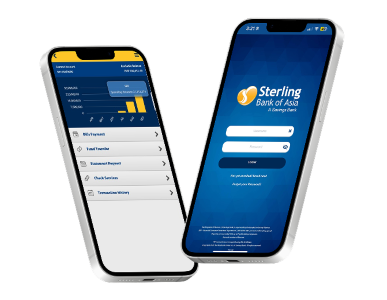
With Sterling Bank Online, you can address your banking needs with ease, anytime, anywhere.
Manage your funds, pay bills and more through seamless and secure online banking right at your fingertips.


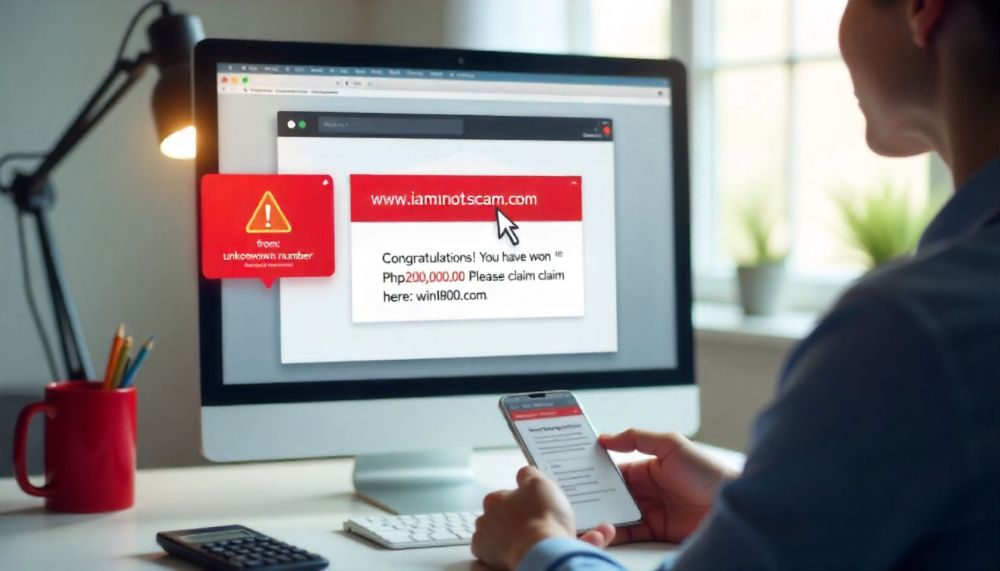

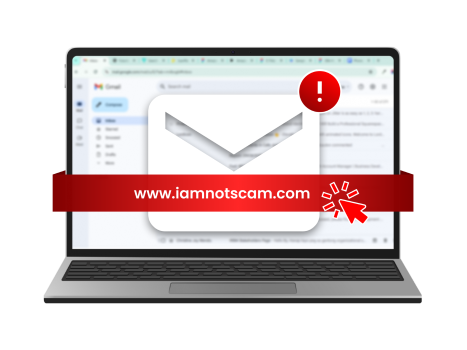
Avoid clicking links from emails and text messages.
Never share your username, password and OTP.
Always verify by contacting the bank's customer service helplines.

 Online Banking